An engagement ring chosen on a call
A couple in two cities try the same solitaire on video call and agree on the setting.
They visit once, for the final fitting.an illustration of how it worksCustomers point their phone camera at their hand and see your ring on their finger, live, at its real size. They save the photo and send it to the family. No app to install.
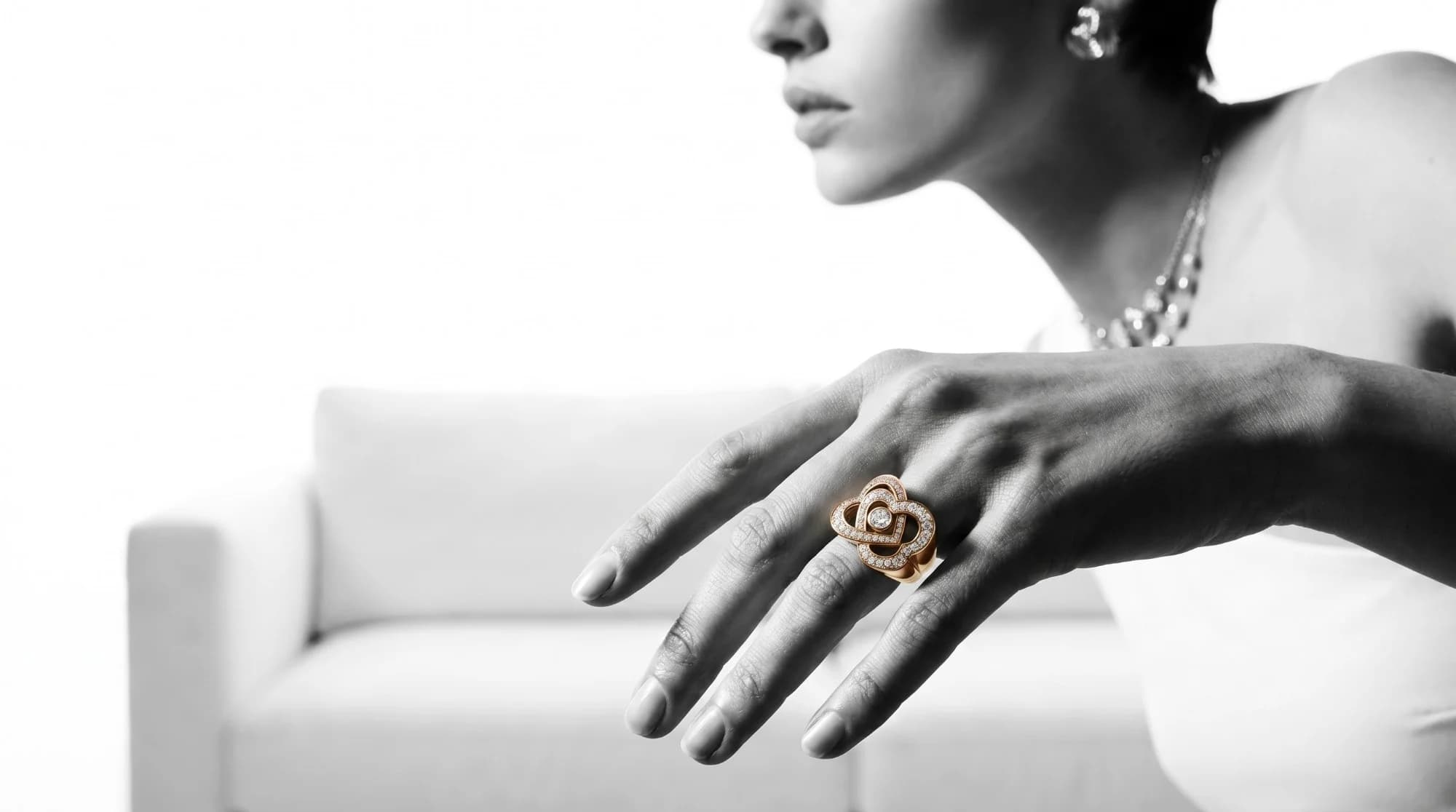
A live 3D preview of a piece on the customer, through the phone camera in the browser. SeeJewel tracks the hand (or face) and places a 3D model of your piece where it would sit, so customers can judge size and look before visiting.
From your CAD file or design, calibrated to its real size.
On your SeeJewel showroom and, if you like, on your own website.
Live on their hand or ear, with a shutter to save and share the look.
Try-ons are counted per piece, so you know what customers want.
Rings work live today; earrings, necklaces and bracelets are set up piece by piece.
Fit follows the finger and knuckle so a 2 mm band does not look like 6 mm.
Customers take a photo with the piece on and send it on WhatsApp.
A Try On button on your own product pages.
Customers postpone because they cannot picture the piece on themselves.
A couple in two cities try the same solitaire on video call and agree on the setting.
They visit once, for the final fitting.an illustration of how it worksNothing is typed twice. Each part writes to the same customer and the same stock.
| What you need | Paper and spreadsheets | Generic software | SeeJewel |
|---|---|---|---|
| Built for jewellery (weight, purity, making, HUID) | In the registers | No | Yes, everywhere |
| Joined to your customers and chats | No | Separate tools | One record |
| Works on phone and computer | No | Sometimes | Yes |
| Help in Hindi and English | — | Rarely | Yes, on WhatsApp |
No. It runs in the phone’s browser.
A CAD file is best. Without one, we can model selected pieces on request.
Fifteen minutes on your own shop: your stock at today’s rate, one real day from enquiry to bill, and a straight answer on price.